
Casa Mia / Product & Full-stack / 2025

How I unified a Montessori preschool into one platform for teachers, parents, and admins

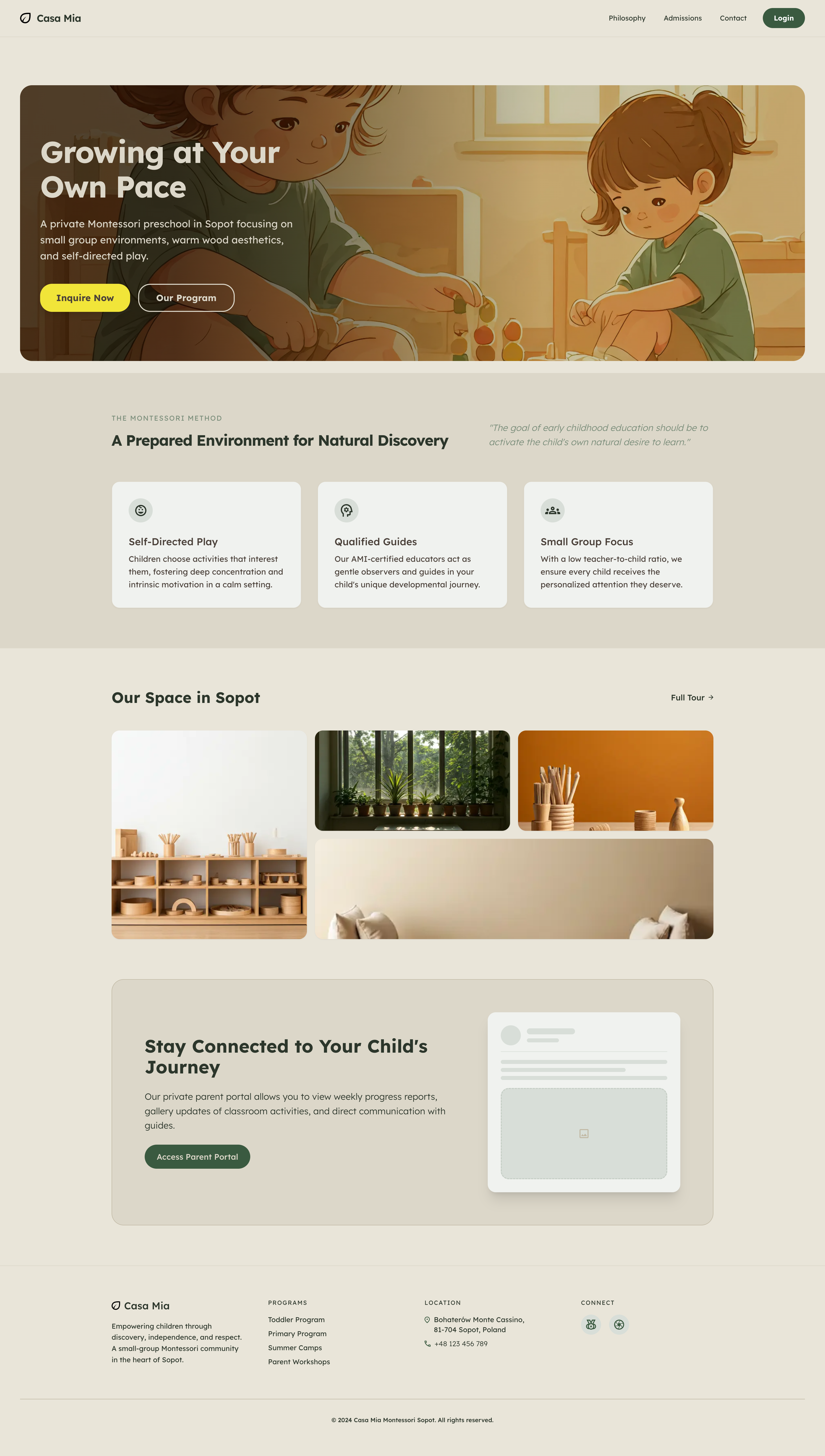
Casa Mia public homepage
3
Role-based portals
2 wk
Build timeline
1
Unified platform

Timeline

2 weeks, 2025

Stack

  • Next.js 14
  • Supabase
  • TypeScript
  • Tailwind CSS

Responsibilities

  • Product design & UX
  • Full-stack development
  • Database & RLS architecture

Collaboration

Lead AI Architect Lead AI Architect

Overview

Communication at Casa Mia lived across WhatsApp, paper notes, and generic email — parents were anxious, teachers repeated the same answers, and nothing felt secure. I designed and built a single platform: a public marketing site plus admin, teacher, and parent portals with strict data boundaries.

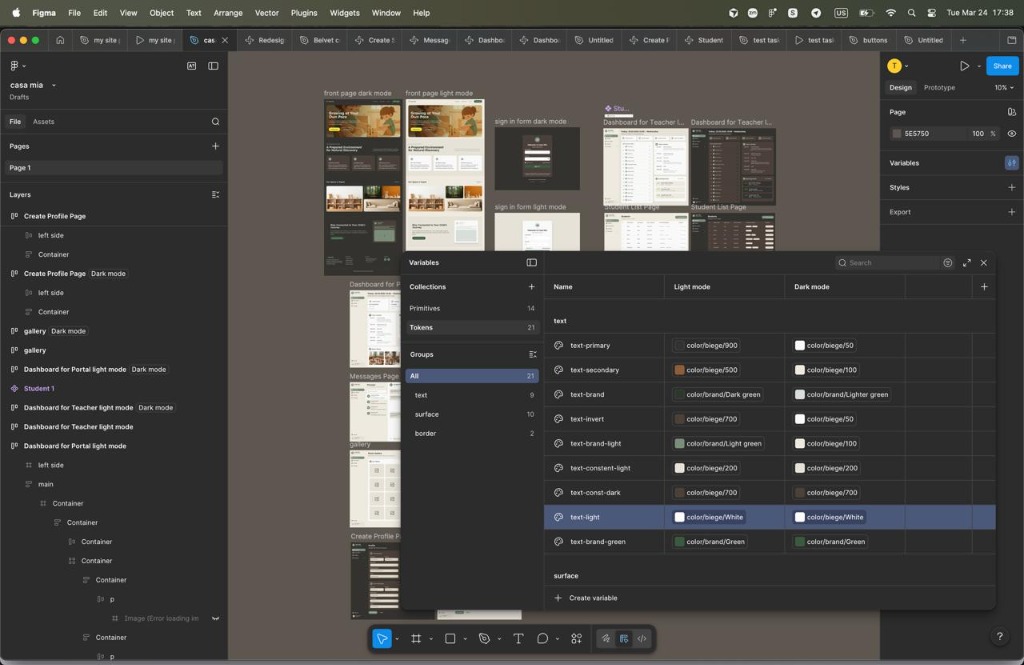
The visual system started in Figma with Lexend typography, light/dark tokens, and role-based flows — then shipped as a production Next.js app on Netlify with Supabase at the core.
Casa Mia marketing homepage
The public homepage — warm, mobile-first, and driven by a headless CMS.
Figma design tokens
Design tokens mapped to Tailwind — light and dark mode.
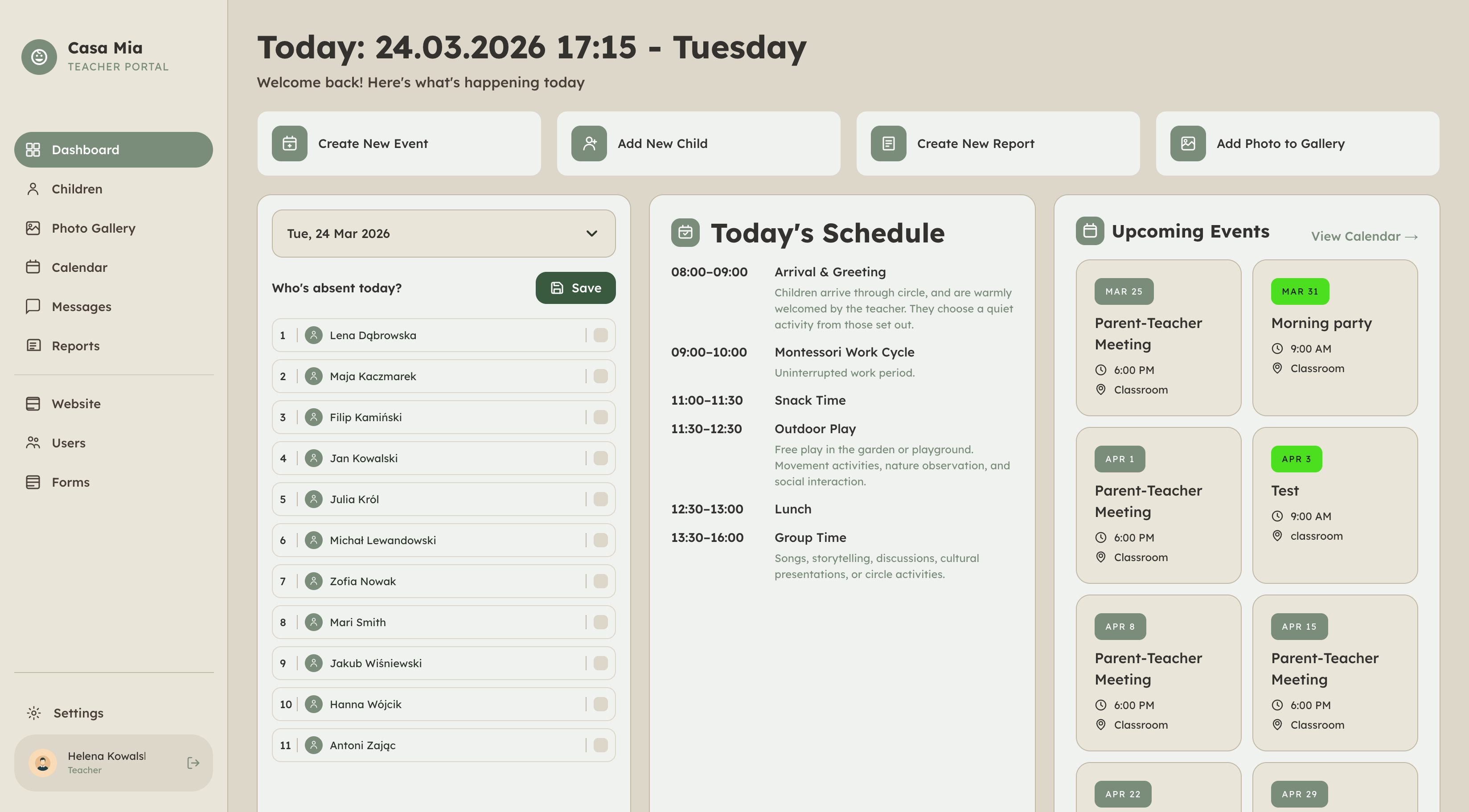
Teacher dashboard
Teacher dashboard — attendance, routine, and quick actions.

Process

I mapped three roles first — what admins, teachers, and parents actually need — then designed flows before pixels. Figma variables became Tailwind config; Next.js App Router handled SSR for SEO on public pages and interactive portals behind middleware.

Security wasn't an afterthought: PostgreSQL Row Level Security ensures parents only see their child's photos, messages, and reports — regardless of which API endpoint is called.

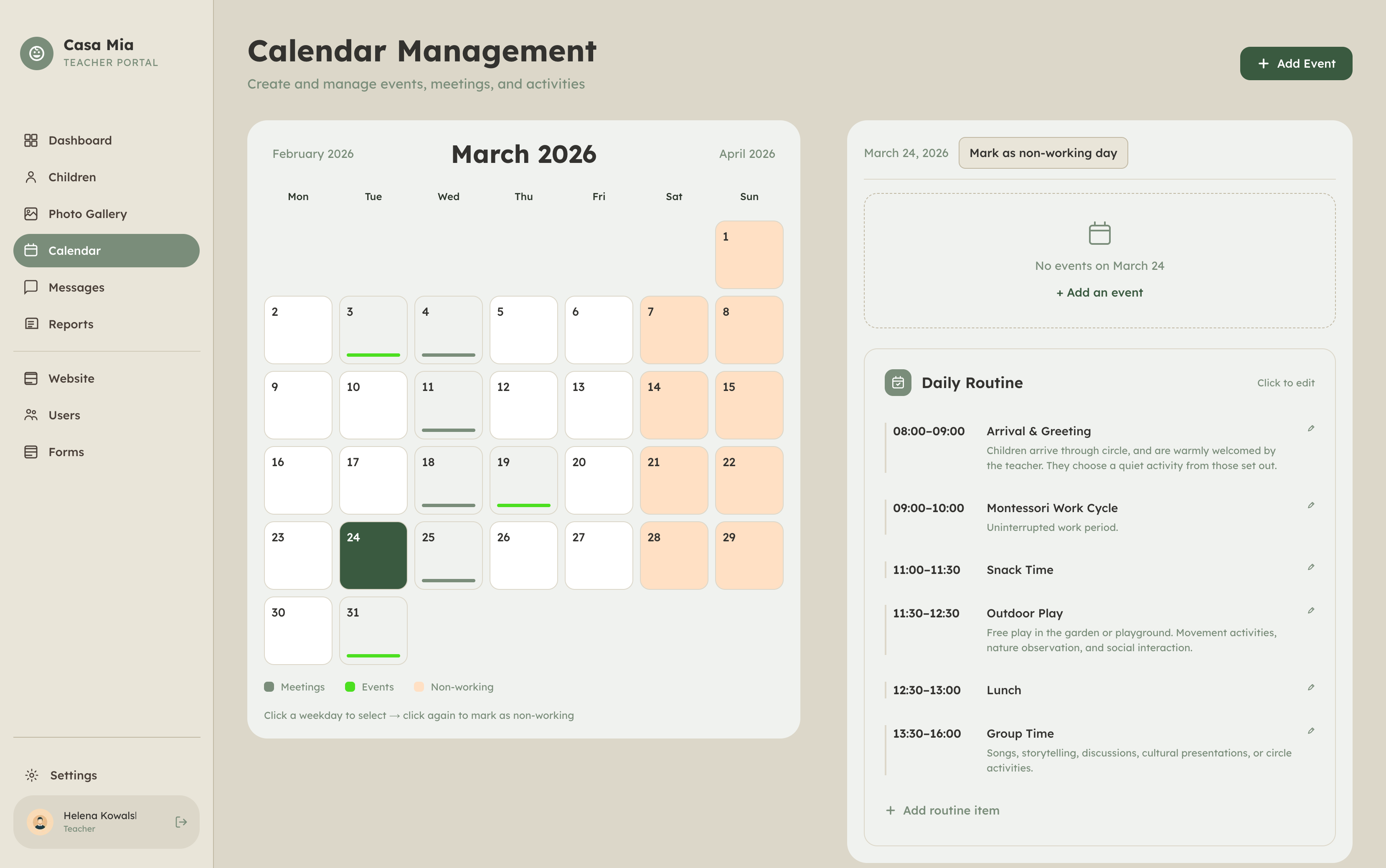
Calendar with recurring events
Recurring events powered by RRule — school calendar logic in the database.
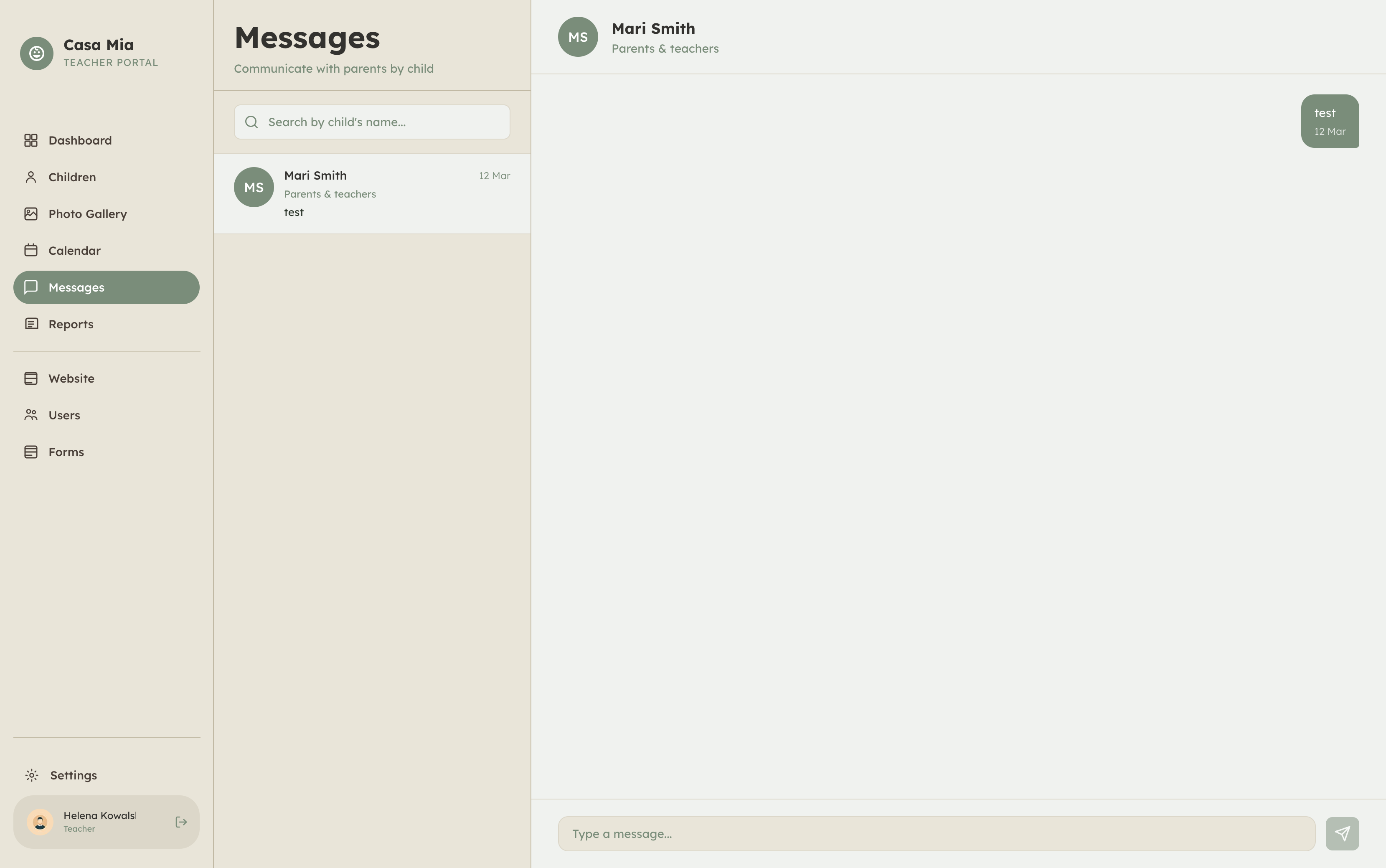
Real-time messaging
Per-student messaging — one channel per child, unread counts in the sidebar.

Results

The platform is live at a real Montessori preschool. Scattered chats became a structured system; manual spreadsheets became attendance reports; insecure photo sharing became tagged galleries with signed URLs.

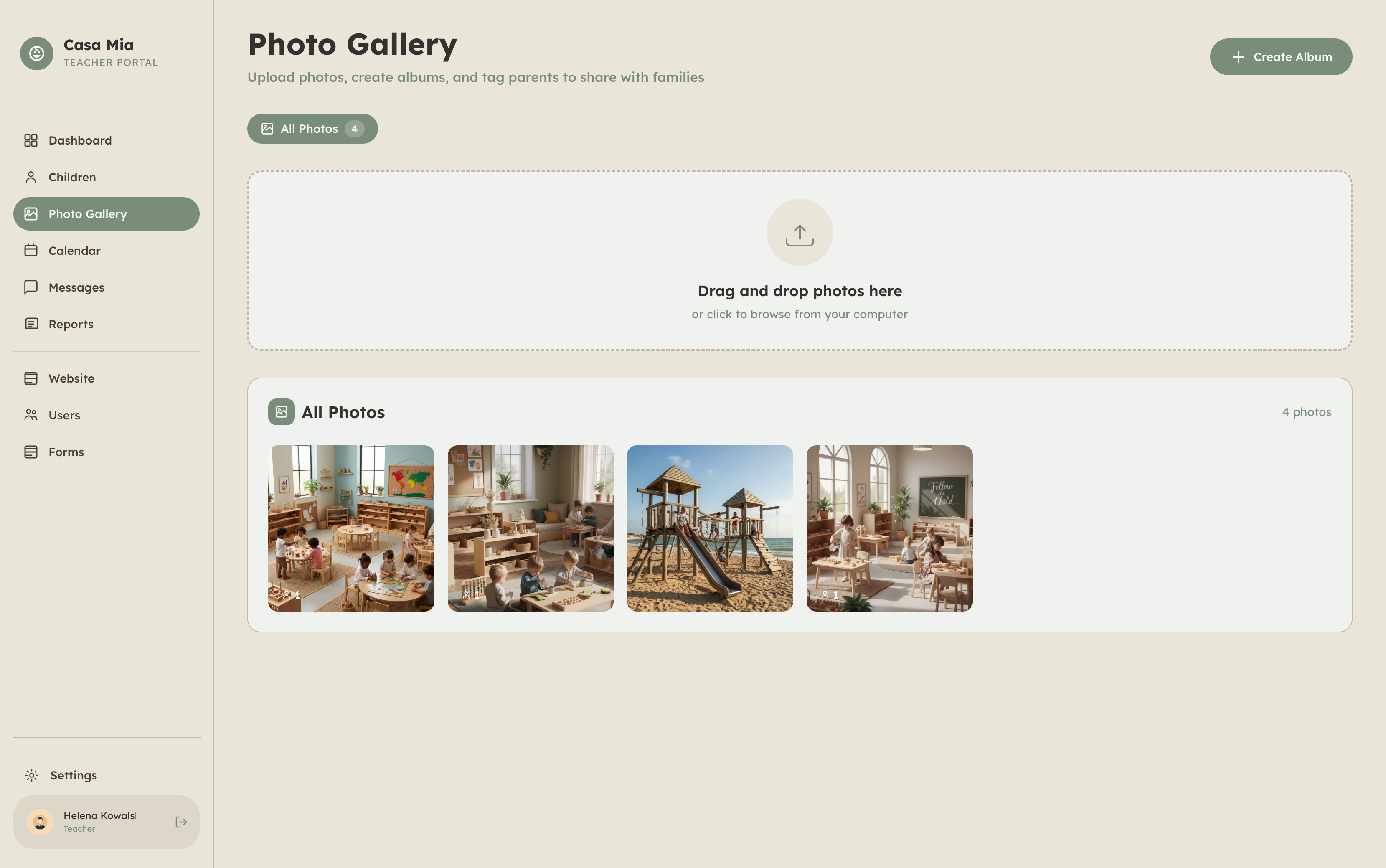
Photo gallery with parent tagging
Tag-based photo galleries — teachers upload once, parents see only their moments.
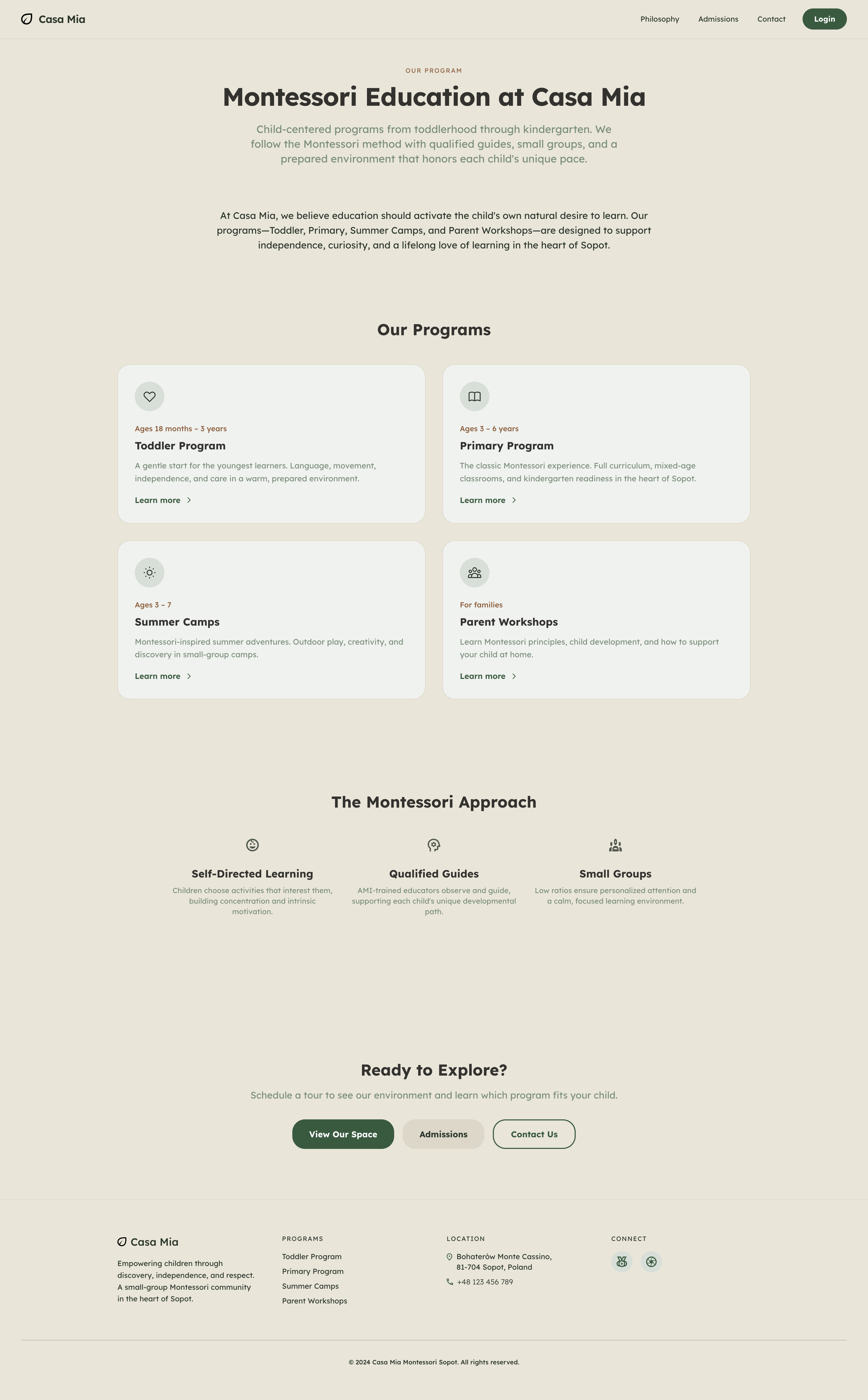
Program page with CMS-driven content
Program pages — content editable by admins and teachers without code deploys.

Anatomy of a decision

The hardest call was enforcing access at the database layer, not just in Next.js middleware. Middleware protects routes, but RLS guarantees that even a misconfigured endpoint cannot leak another family's data. That choice added upfront complexity and paid off in trust.

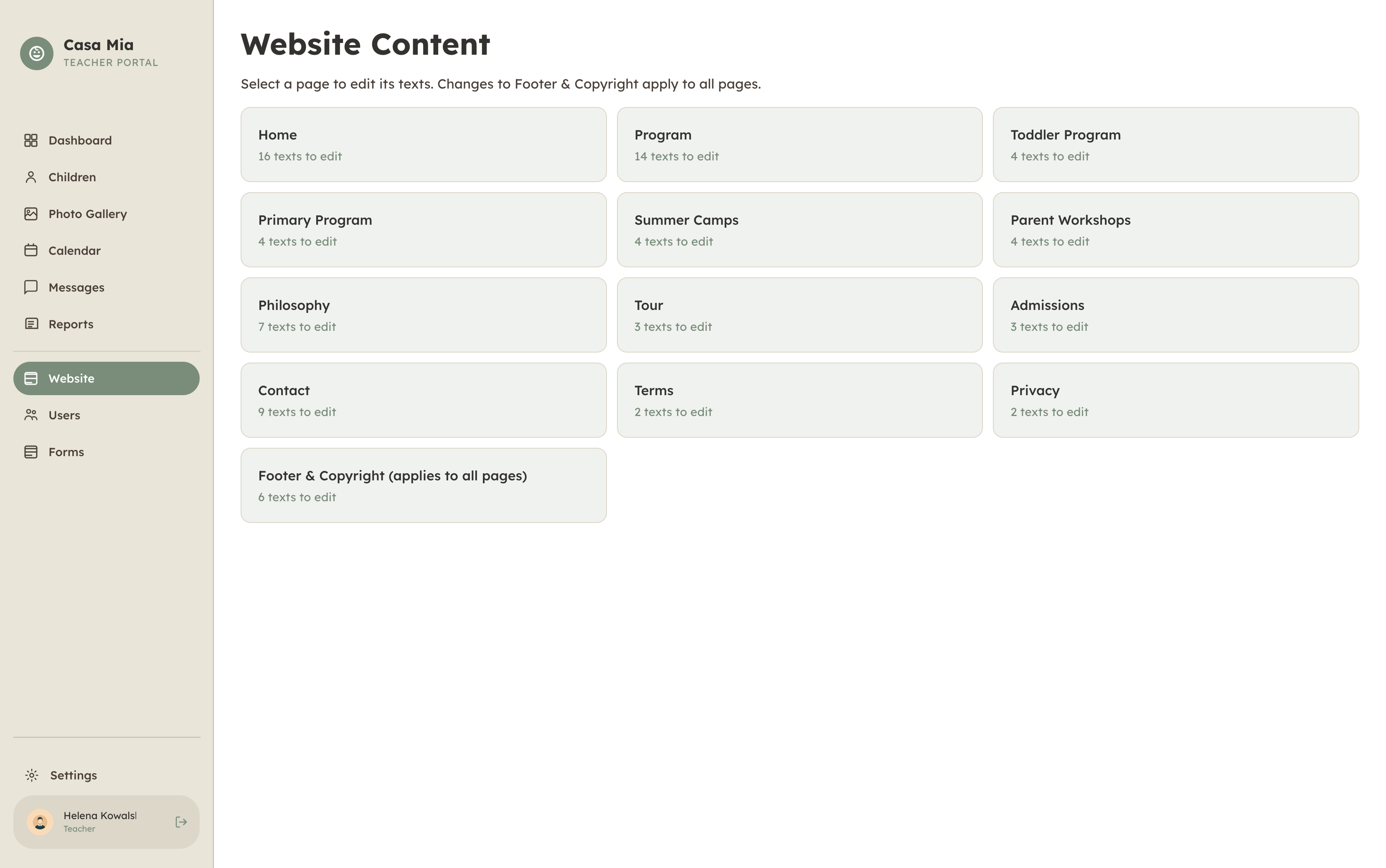
Internal CMS editor
The internal CMS — teachers update public copy from their portal.
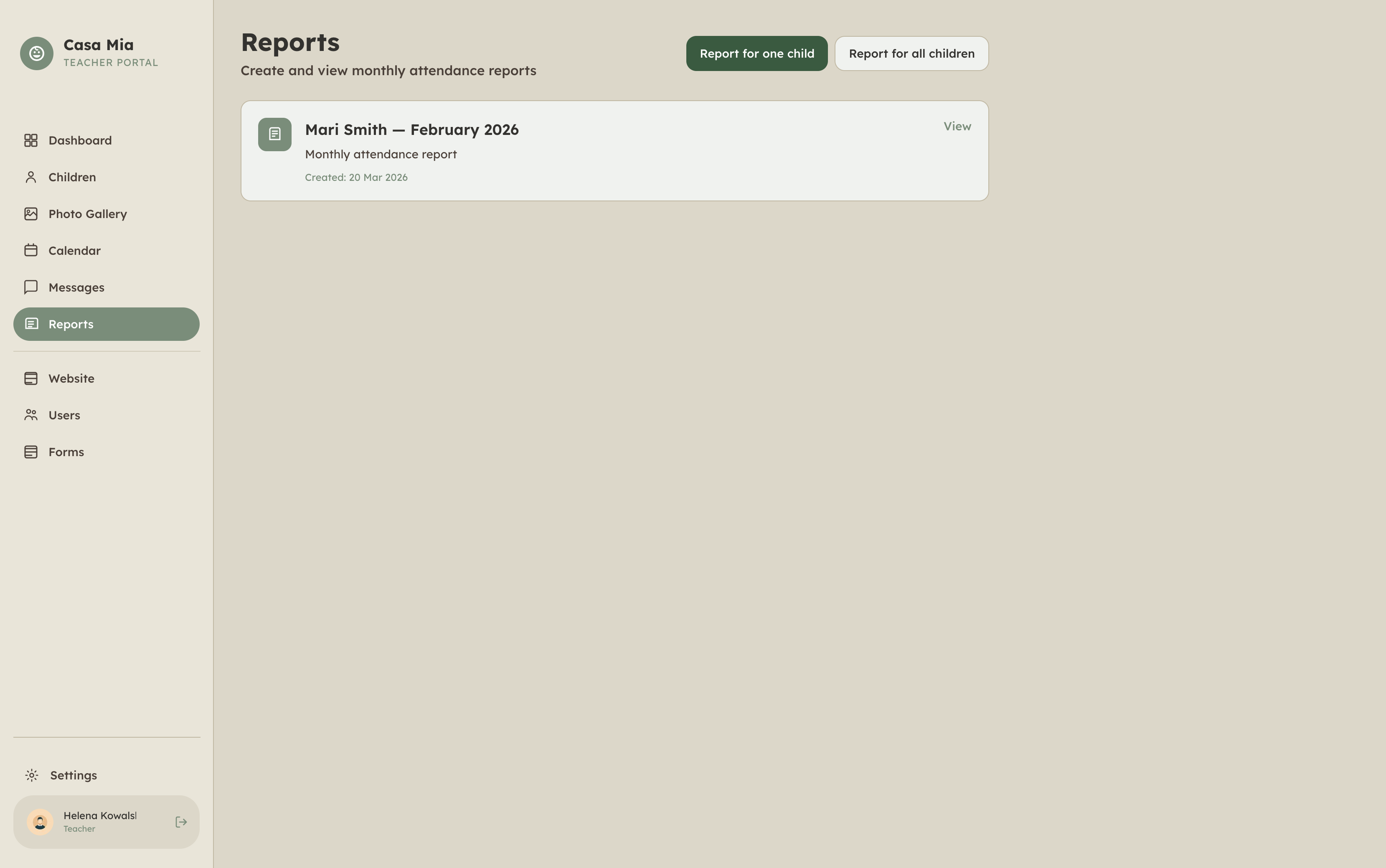
Automated attendance reports
Monthly attendance reports — hours of manual work removed.

Reflection

Casa Mia changed how I think about design — it's not just screens, it's how systems reduce stress for real people. Shipping solo in two weeks meant ruthless scope: one platform, three roles, one source of truth.

Tech

Adopting RRule for recurring school events pushed my date-handling skills. Building the calendar to interpret iCalendar rules client-side was the trickiest integration — and the most satisfying when it worked.

Product

Good UX here isn't fewer clicks — it's fewer worried messages at pickup. Every feature was judged by whether it made parents calmer or teachers faster.